Morphie
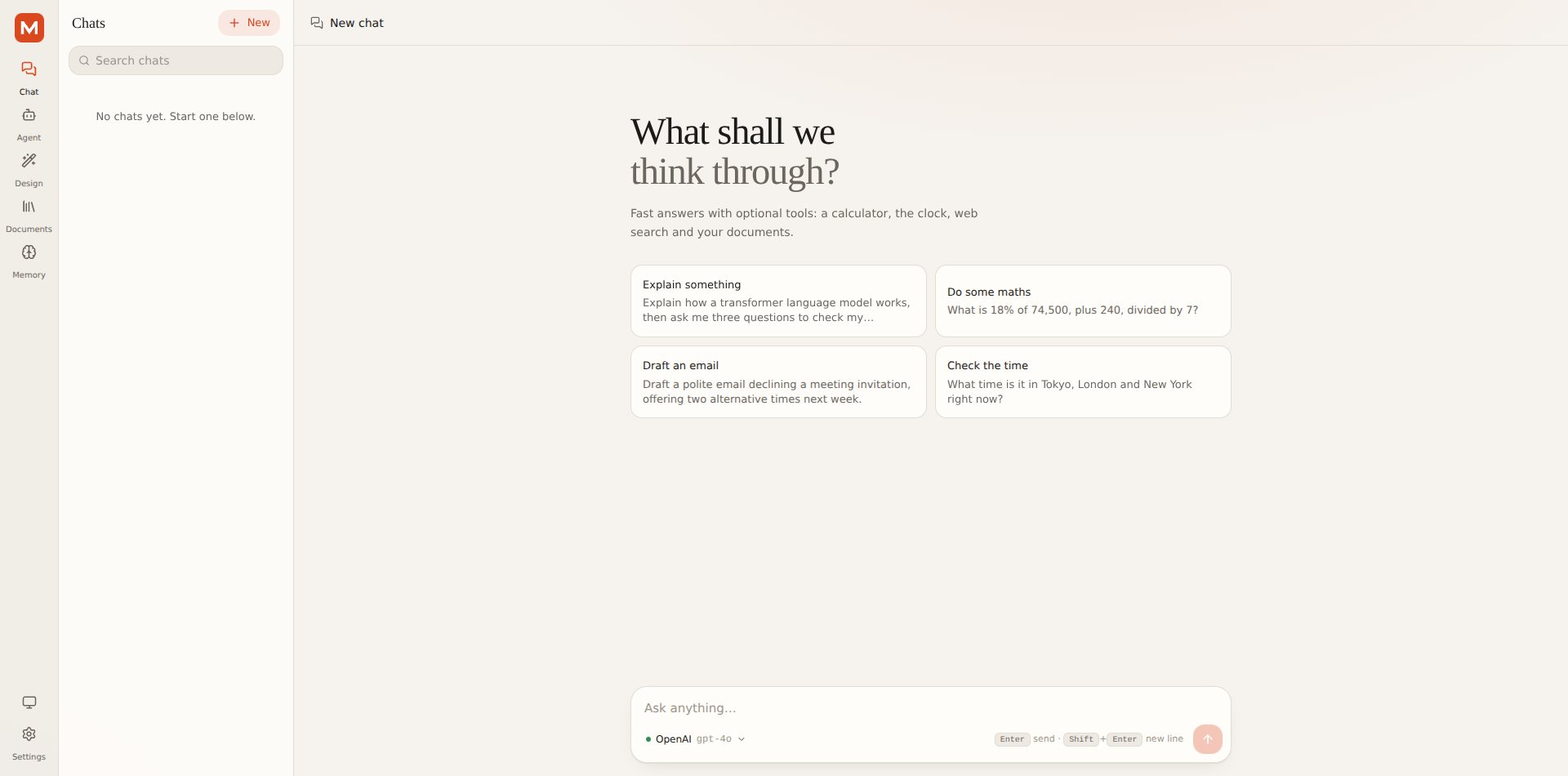
A self-hosted AI workspace: chat, an agent that asks before it acts, a design studio, document search and memory, on any model.
- Role
- AI Engineer
- Timeline
- 2026 – Present
- Team
- Solo
- Status
- Complete agent
The problem
Chat apps lock you to one provider, agent frameworks are hard to trust with your files, and your keys and history end up on someone else’s server. Morphie puts chat, an autonomous agent, a design studio, document search and memory in one self-hosted app where you pick the model and approve anything risky.
What it does
Real agent mode
A plan, act, observe loop: it writes a checklist, calls tools, reads the results and adapts, with every step in a live, collapsible timeline.
Approvals before anything risky
Tools that change your files or memory pause and ask: Allow, Deny or Always allow. A step limit (default 15) forces a final answer, and Stop cancels instantly, including the upstream model call.
Bring any model
OpenAI, Anthropic, Gemini, Mistral, DeepSeek, xAI, Groq, OpenRouter, Ollama, LM Studio and more, plus a fully configurable OpenAI-compatible option. Models without function calling get emulated tools.
Design studio
Describe a site and get a validated design with live desktop, tablet and mobile preview, plain-language tweaks, undo/redo, a 20-version history, 7 themes and export to HTML + CSS or React.
Documents and memory
PDF, Word, Markdown, CSV and JSON are indexed locally with no embedding API. Memory only keeps short facts from what you say, never secrets, and is fully editable.
Private by default
Keys are AES-256-GCM encrypted on disk and never sent back to the browser. Everything lives in a local SQLite file, with export and delete-everything built in.
How it flows
- Task in the Agent tab
- Plan checklist
- Tool call
- Approval gate
- Result as untrusted data
- Adapt or finish
Problems solved
Giving an agent real power safely
ProblemAn agent that can write files can also overwrite the wrong ones.
SolutionWorkspace tools run in a sandboxed folder with a per-file size cap, and anything that writes, deletes or saves memory asks for approval first.
Tool output is untrusted
ProblemA web page or document can contain instructions aimed at the model.
SolutionEverything tools return is wrapped as untrusted data and the model is told never to follow instructions inside it. The page reader is SSRF-hardened and repeated identical tool calls are cut off.
Models that cannot call functions
ProblemMany local models and gateways have no native tool calling, which would break agent mode.
SolutionA prompted-tools fallback emulates tools, and “Test connection” probes tool calling up front so you know whether agent mode will work.
Document search without a vector service
ProblemEmbedding APIs add cost, keys and a network dependency.
SolutionHashed embeddings plus keyword scoring stored in SQLite, so documents work offline and are used automatically by Chat and Agent.